

Each year, countless users opt to leave Facebook, driven by desires to reduce social media usage, enhance personal data protection, or simply take a digital break. Despite the platform’s billions of active users, the process for permanently deleting an account is surprisingly straightforward.
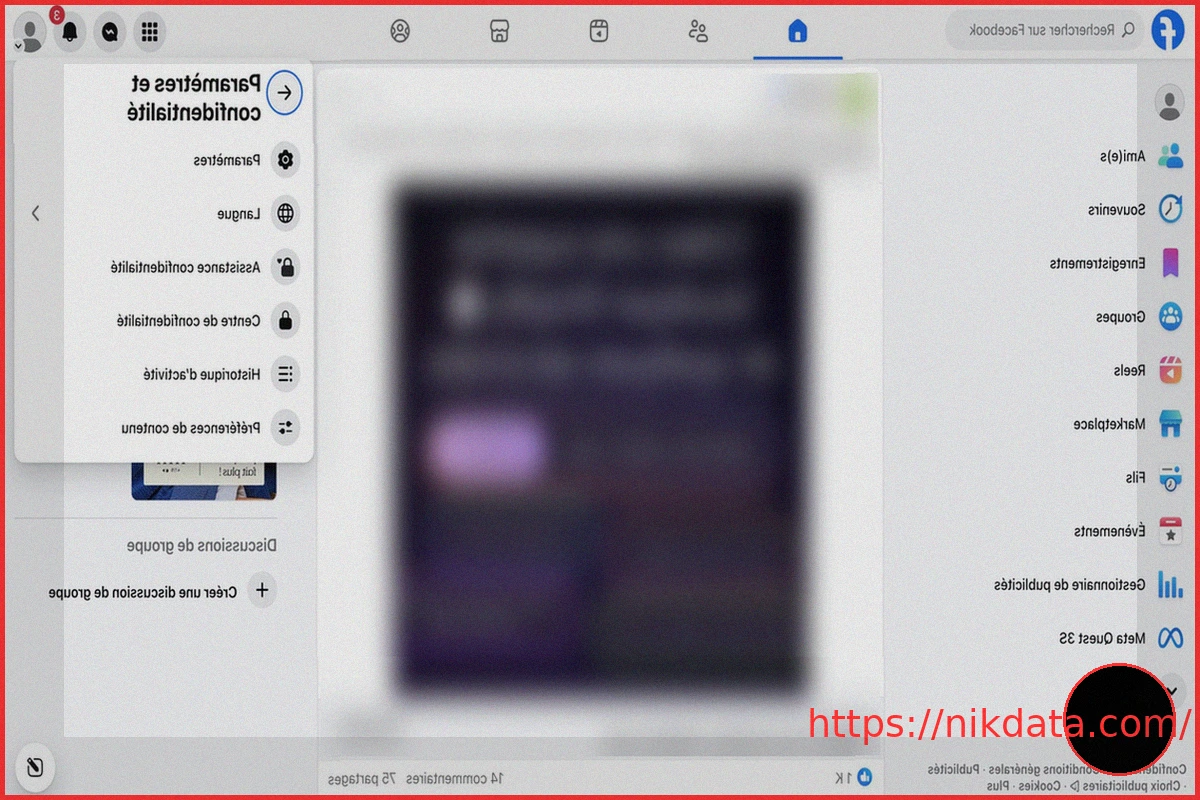
Step 1: Access Facebook Settings
First, log into your Facebook account:
- Smartphone: Open the app and tap the menu icon (three horizontal lines).
- Computer: Click on your profile picture located in the top-right corner.
From either device, navigate to “Settings & Privacy,” then click “Settings” to access all account-related options.
Step 2: Go to Meta Accounts Center
Within the Settings menu, locate the “Meta Accounts Center” section. Click on “Manage accounts” to view options related to your profile’s management.
Step 3: Select “Deactivation or Deletion”
After clicking “Manage,” then “Deactivation or deletion,” Facebook will present you with two choices:
- “Deactivate account” to temporarily pause your profile.
- “Delete account” to permanently remove it.
To proceed with leaving the platform, select “Delete account,” then click “Continue” to initiate the process.
Step 4: Confirm Account Deletion
Facebook will then ask for confirmation to prevent accidental deletion. After providing a reason for deleting your account, you’ll need to enter your password and then confirm your decision. Once validated, your account deletion will be scheduled.
Step 5: Await the Deletion Period
Deleting a Facebook account isn’t instant. The platform imposes a 30-day waiting period before your profile is permanently erased. During this window, you can cancel the deletion simply by logging back into your account. After this period, your profile, photos, posts, and videos will be permanently removed.
It’s worth noting that some data might temporarily persist in the platform’s technical backups for several weeks.
Download Your Data Before Deleting Your Account
Before initiating account deletion, it’s highly advisable to download a copy of your Facebook data. The platform allows you to retrieve your information, including:
- Your photos
- Your videos
- Your posts
- Certain profile details
To do this, navigate to “Settings,” then “Your Information and Permissions,” and select “Export Your Information.” From there, you can choose which data to keep and save it to your device.